Drag MoveIt to Applications
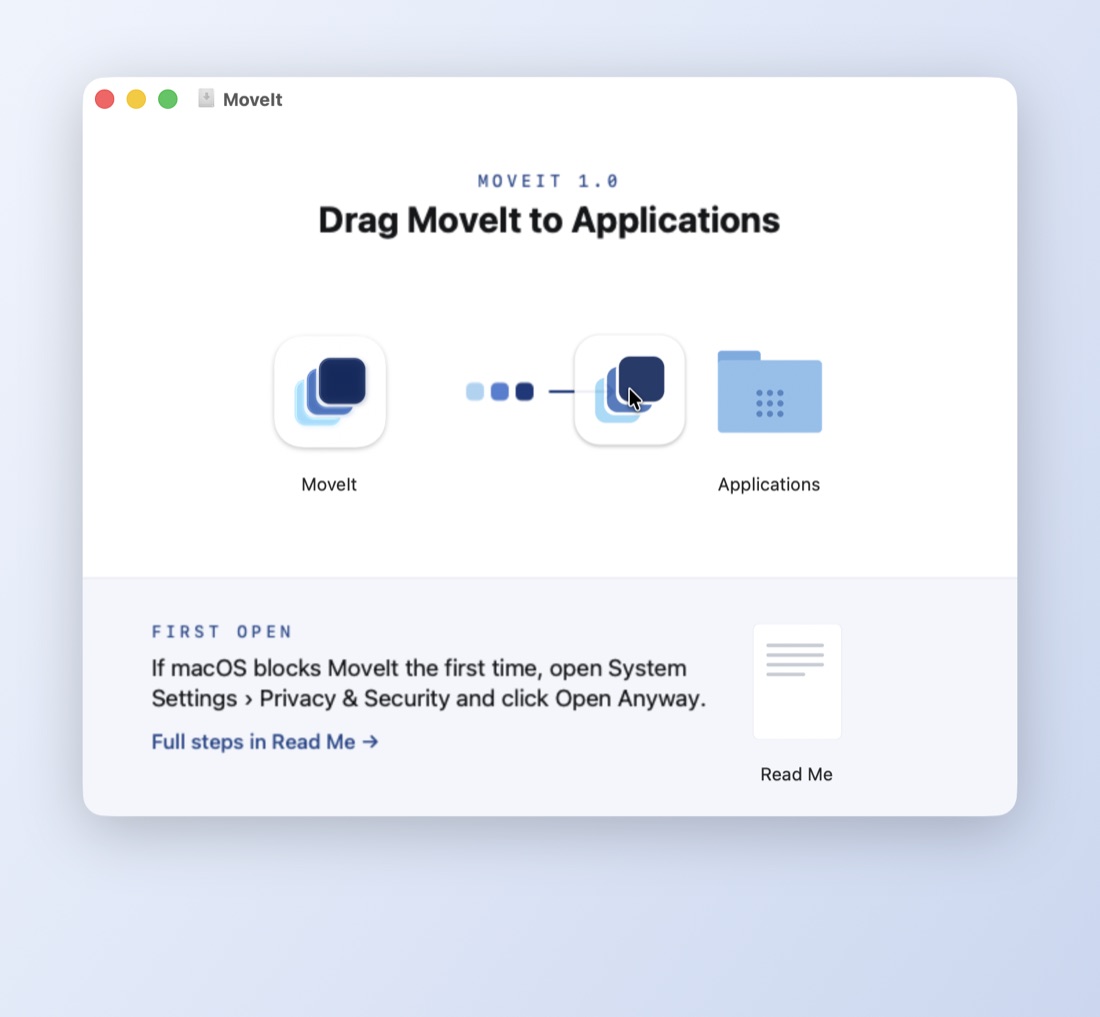
In the MoveIt window, drag the MoveIt icon onto the Applications folder.
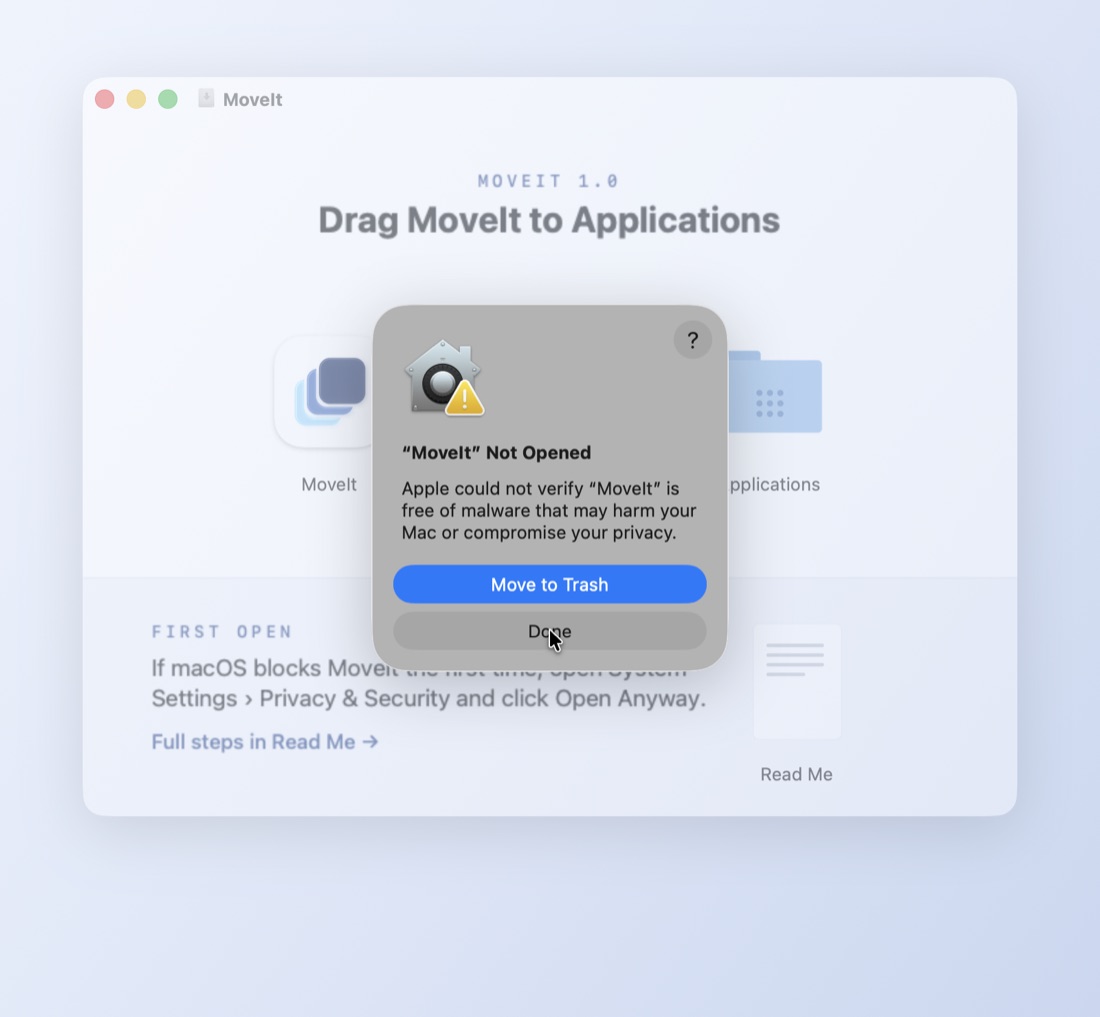
Open MoveIt, then click Done
Open MoveIt from your Applications folder. macOS says it could not verify MoveIt. Click Done, not Move to Trash.
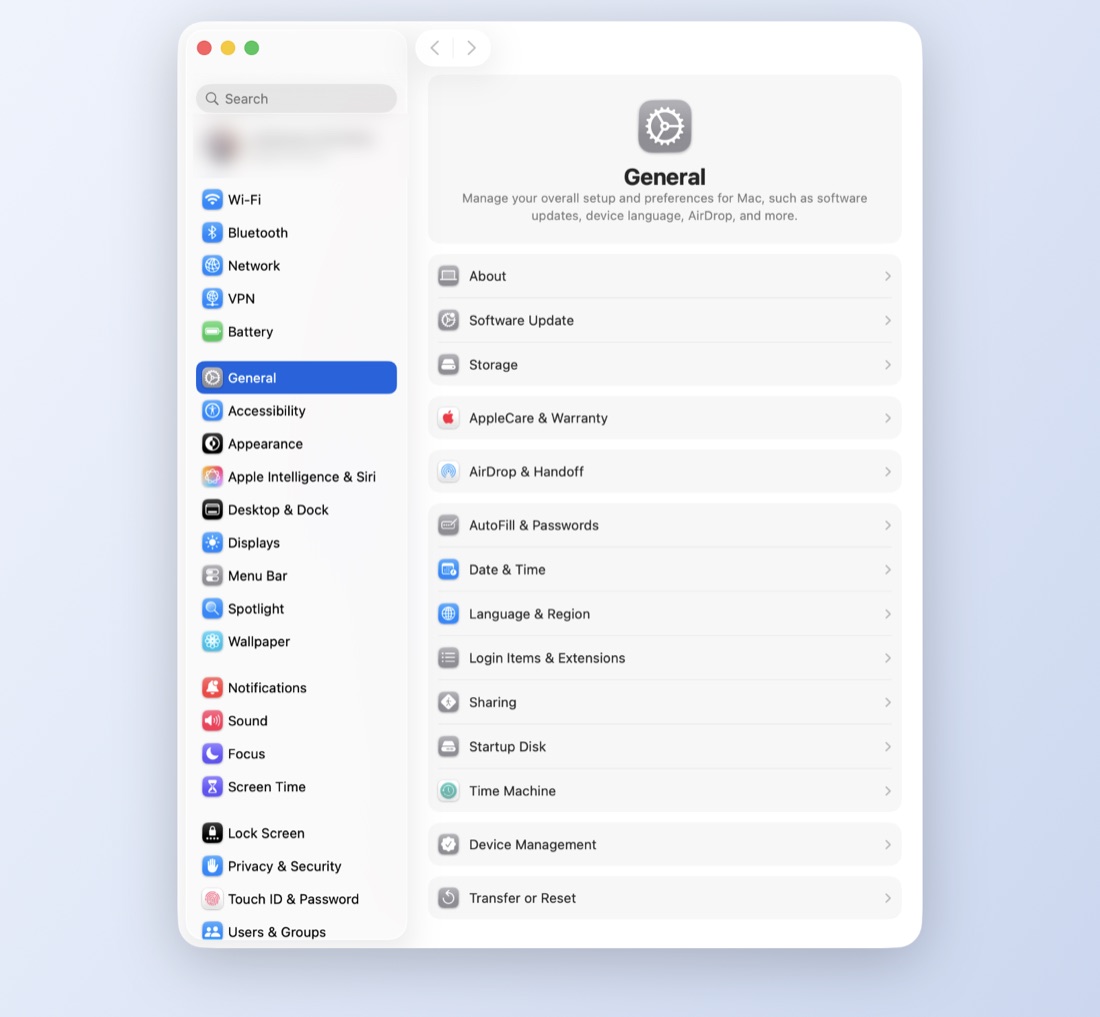
Open System Settings
Choose Apple menu › System Settings…, or click System Settings in the Dock.
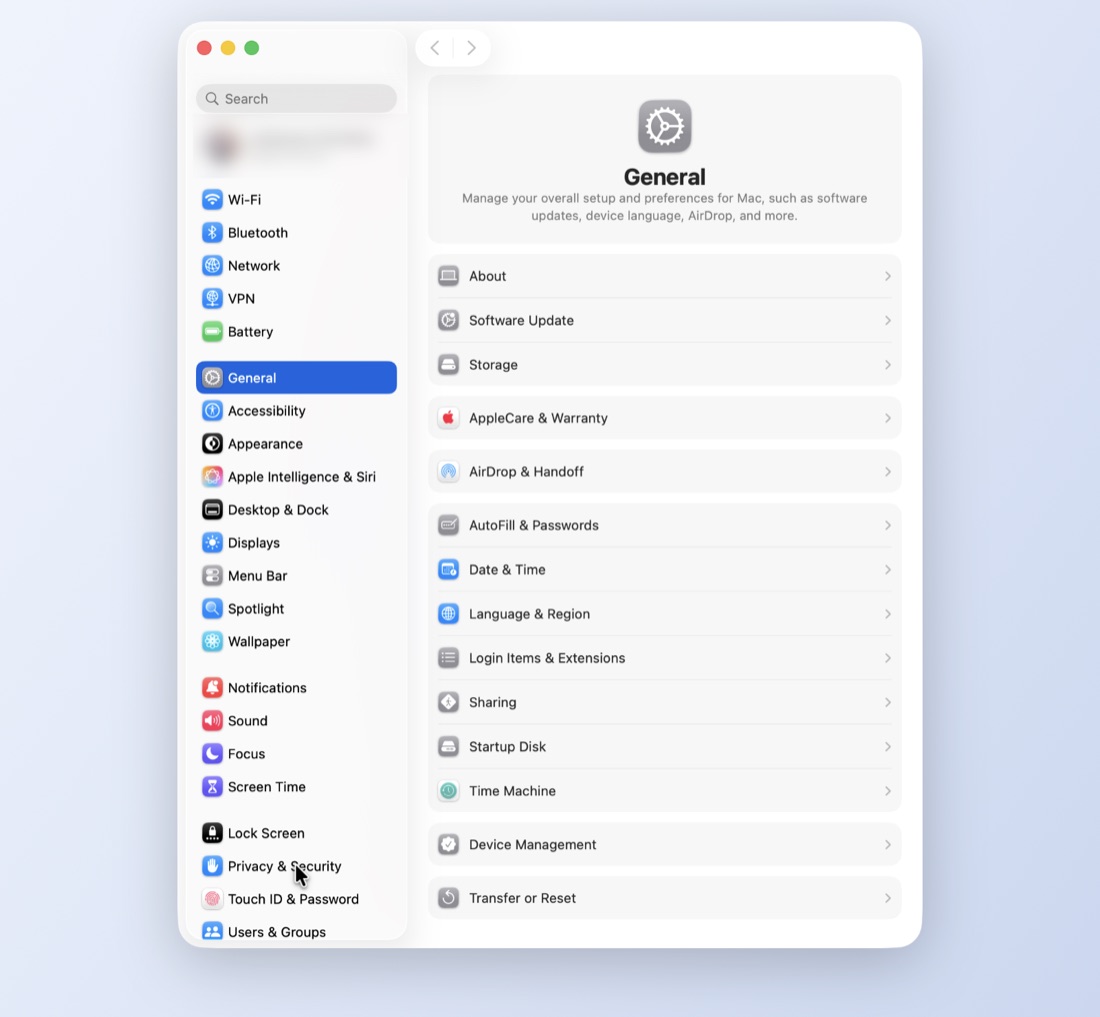
Click Privacy & Security
It's near the bottom of the sidebar. You can also type privacy in the search box at the top.
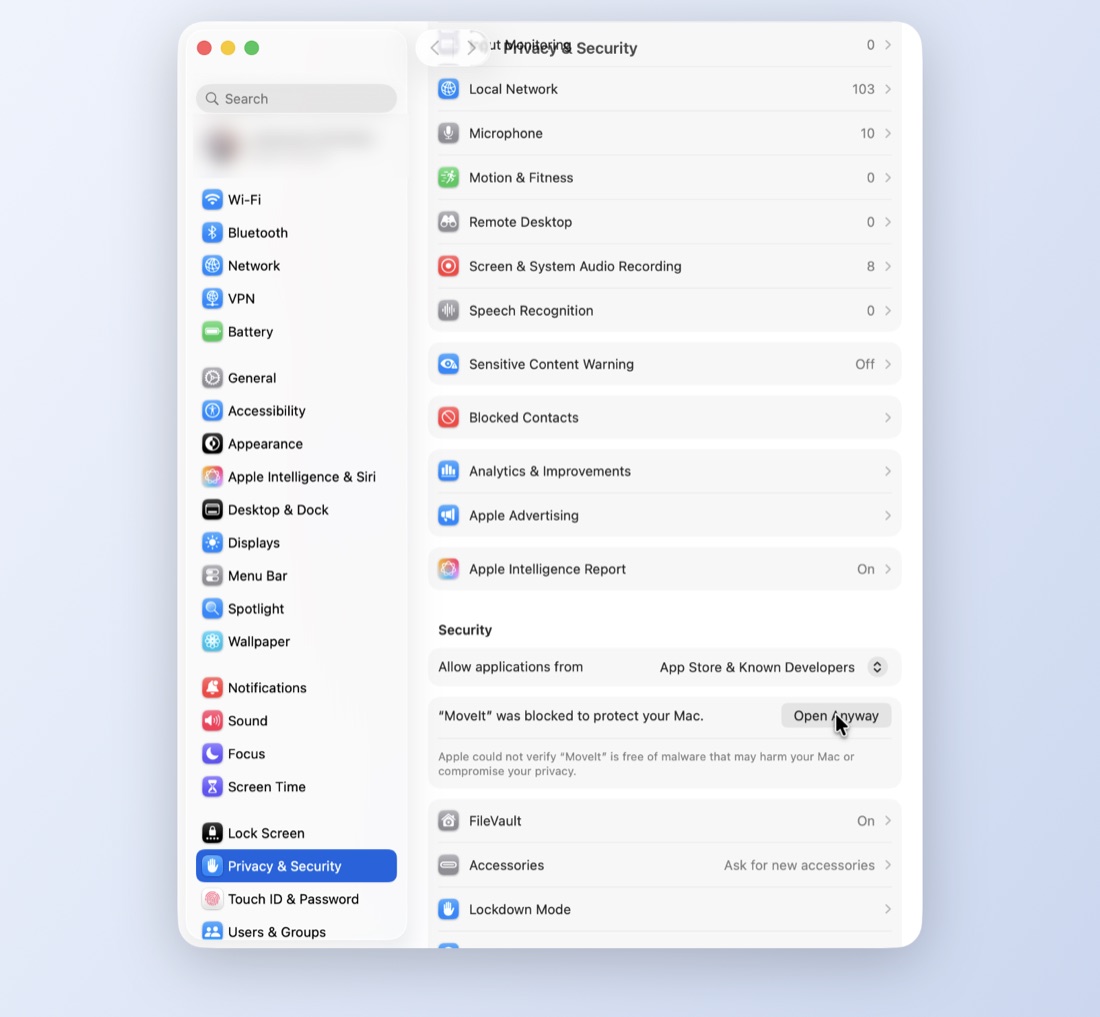
Scroll down and click Open Anyway
Under Security you'll see "MoveIt was blocked to protect your Mac". Click Open Anyway.
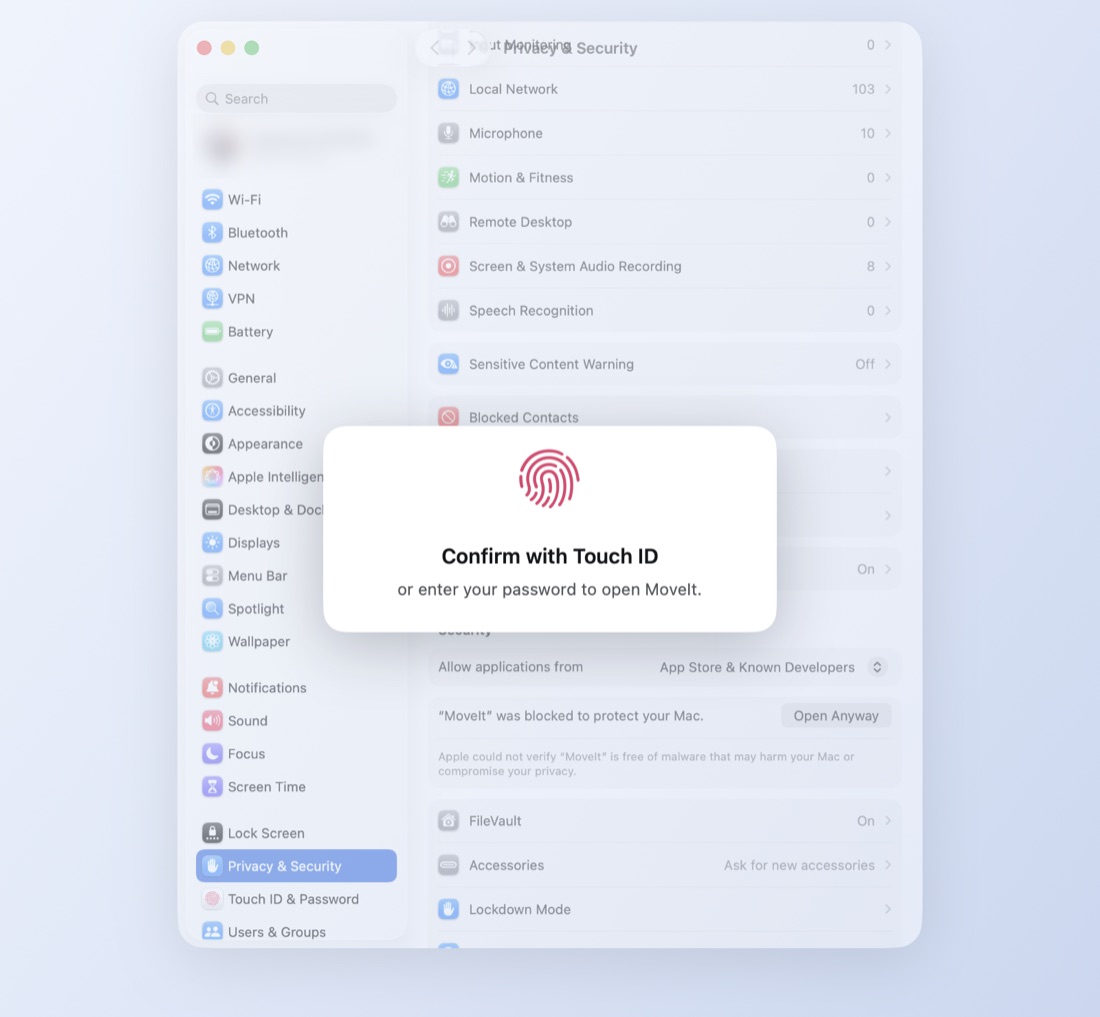
Confirm it's you
Use Touch ID or enter your Mac's password.
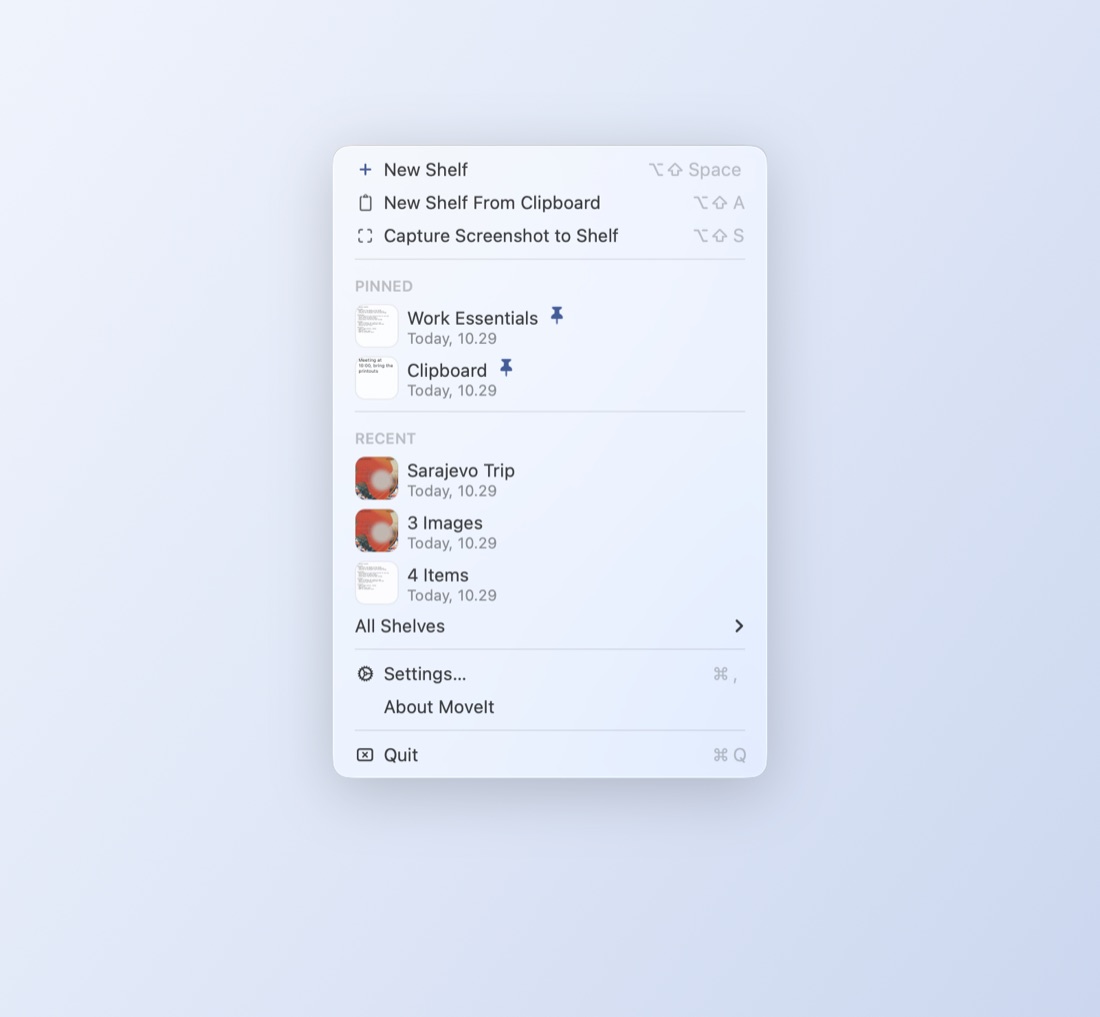
That's it
MoveIt opens and lives in the menu bar, at the top right of your screen. macOS won't ask again. On the welcome card, click Start Free Trial; it needs the internet once. Bought MoveIt Pro already? Click Redeem Key instead.
Why does macOS warn about MoveIt?
macOS checks apps for a certificate from Apple. MoveIt doesn't have one yet, so macOS can't check it and asks you to confirm it once. MoveIt has no account and never uploads your files.
On macOS 14 Sonoma or earlier there's a shortcut: right-click MoveIt in Applications, choose Open, then click Open.